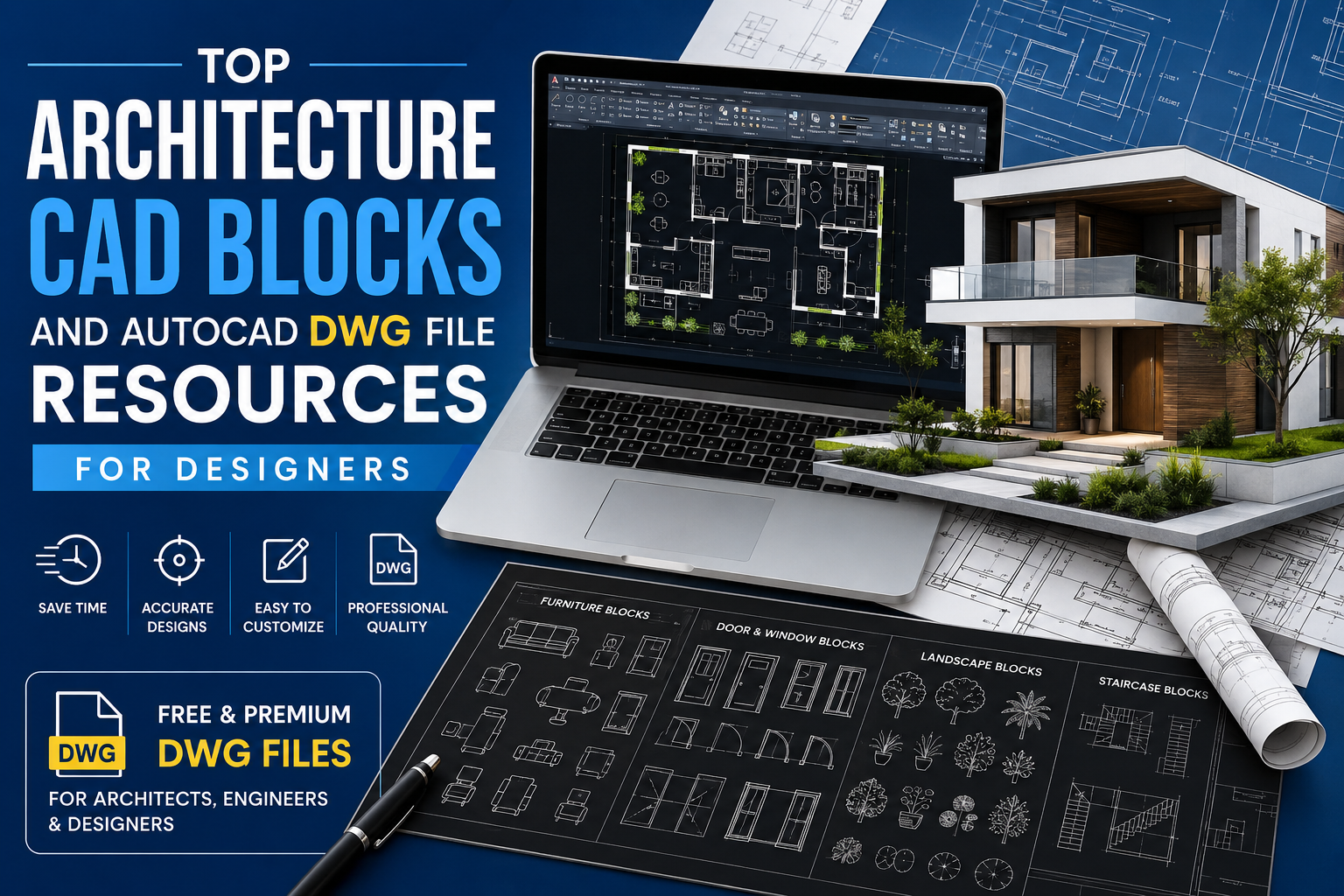
AutoCAD TV Unit CAD Blocks and DWG Models for Interior Layouts
Get professional AutoCAD TV unit blocks and DWG models for interior design. Perfect for architects, designers, and students planning living room layouts.
Key Takeaways
What you'll learn from this article
Introduction
If you have ever tried to draw a TV unit from scratch in AutoCAD, you know how much time it eats up. You measure, you draft, you adjust, and then you do it all over again for the next project. That is exactly why AutoCAD TV unit blocks and DWG models exist. They give you a clean, ready-to-use drawing that fits straight into your layout without the hassle.
Whether you are an interior designer working on a living room, an architect putting together furniture drawings, or a student learning CAD for the first time, these files make your work faster and a lot more organized. DWGFiles has a solid collection of TV unit DWG files that cover everything from simple 2D blocks to detailed elevation drawings.
Why a Good TV Unit Block Actually Matters
A TV unit is not just a piece of furniture. In a room layout, it becomes the anchor point. Everything else — the sofa position, the lighting, the walking space — gets planned around it. So when you are drafting a floor plan or elevation, getting the TV unit right from the start saves a lot of back-and-forth later.
A proper CAD block gives you accurate dimensions, correct proportions, and a realistic representation of how the unit will sit in the space. Clients understand the design better. Contractors have a clear reference. And you spend less time explaining and more time designing.
What Makes a TV Unit DWG File Actually Useful
Not every DWG file is worth using. A well-made AutoCAD TV unit block should give you more than just an outline. Here is what to look for:
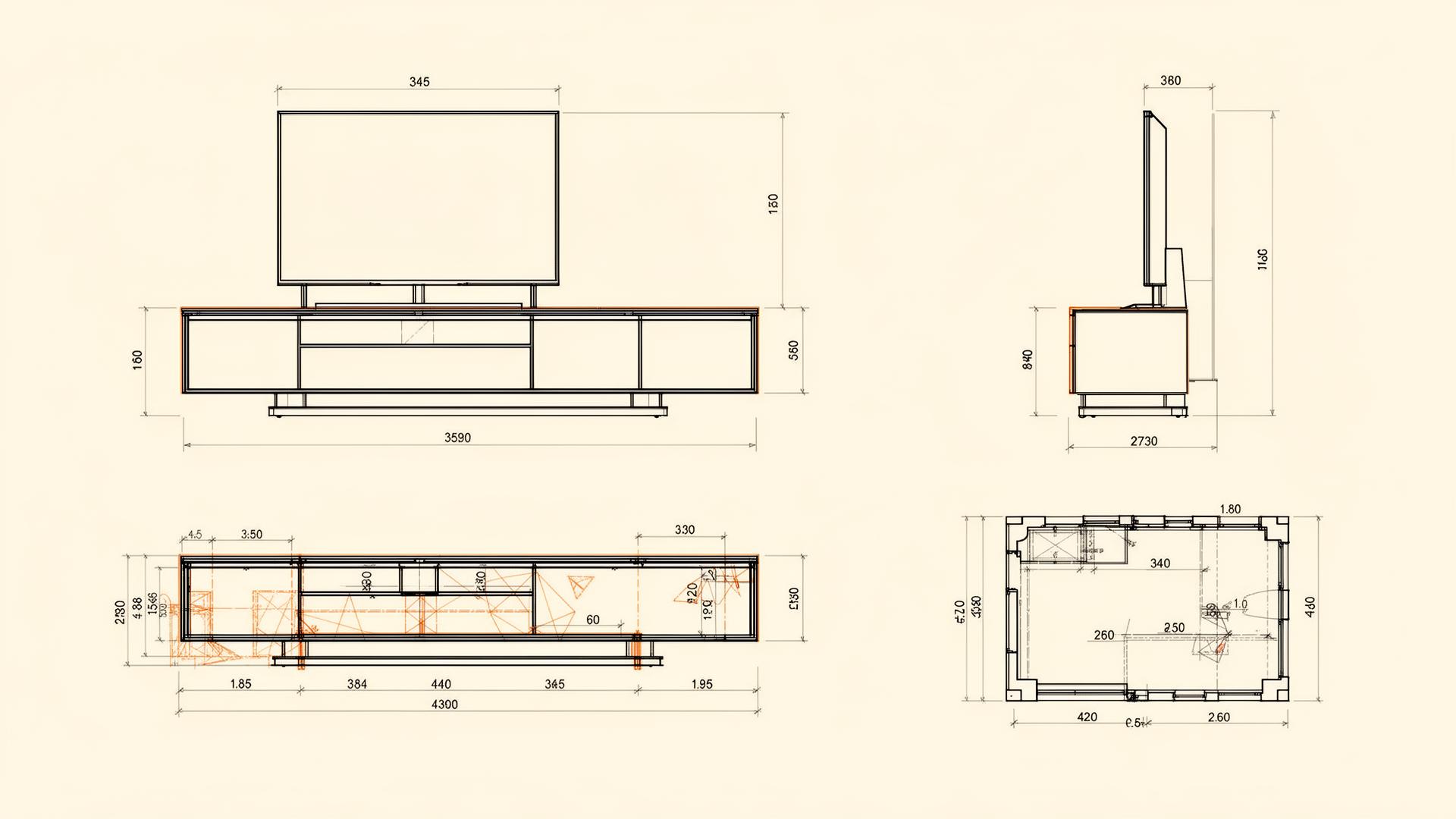
- Multiple views — top, front, and side elevations in one file
- Accurate dimensions drawn to standard metric or imperial scale
- Clean layer organization so you can toggle furniture independently
- Editable geometry — not exploded blocks or flattened polylines
- Realistic proportions that match real product catalogues
Different Types of TV Units and Their CAD Blocks
Wall-Mounted TV Units
Compact, modern, and perfect for small living rooms. Wall-mounted CAD blocks usually include the bracket detail and a slim shelf below the screen.
Floor-Standing TV Cabinets
The classic media console — wider footprint, more storage. Great for traditional layouts and family rooms.
Modular Media Consoles
Modular units let you mix shelves, drawers, and open compartments. The CAD blocks for these come in segments you can rearrange.
TV Units with Wall Paneling
Full-wall feature designs with integrated lighting, shelving, and decorative panels. These are the most detailed DWG files in the collection.
How Designers and Architects Actually Use These Files
In a real project workflow, time is always short. A CAD block saves you from drawing the same object repeatedly across different projects. You use it once, adjust it to fit, and move on to the more important parts of the design.
Interior designers use TV unit blocks mainly for floor plans and elevation sheets. The block shows the client how the unit fills the wall, how much space is left on either side, and how it relates to the sofa and other furniture. It makes presentations look more polished and professional.
For architects, the use is slightly different. TV unit DWG models appear in furniture layout drawings and in detailed interior elevations during the construction documentation stage. Contractors use these to understand heights, depths, and panel arrangements before fabrication starts.
Smart Tips for Using TV Unit CAD Blocks in AutoCAD
Always Check the Scale First
Before you insert any block into your drawing, confirm the scale. Most DWG files are drawn to standard metric or imperial units. A quick check before insertion saves a lot of confusion later.
Keep Furniture on a Separate Layer
This is basic AutoCAD discipline, but worth repeating. Keep all furniture blocks, including TV units, on their own layer. That way, you can turn them off when presenting structural or electrical drawings without affecting anything else.
Match the Block to the Room Style
A minimalist wall-mounted unit will not look right in a traditional interior. Pick blocks that match the visual language of the rest of your design.
Browse the Full Collection on DWGFiles
The TV unit blocks subcategory sits inside the larger furniture blocks library — one of the most well-organized CAD file collections you will find online. Files are available in both free and premium formats, covering everything from basic 2D blocks to detailed multi-view elevation drawings.
Students will find these files helpful for learning furniture drafting standards and CAD layout basics. Working professionals will find files that plug directly into live project drawings. The range covers all skill levels and all project scales.
Key takeaways from this article
AutoCAD TV unit blocks save you a huge amount of time. Drop in the right file, adjust to fit, and focus on what matters — creating good design.
Frequently Asked Questions
Are these TV unit DWG files free?
Many TV unit blocks are available for free download. Premium files with multi-view elevations and detailed paneling are also available.
Which AutoCAD versions are supported?
Files are saved in widely supported DWG formats and open in AutoCAD 2010 and newer, including LT versions.
Can I use these blocks in commercial projects?
Yes. Files released under the standard license can be used in client projects without attribution.
Senior CAD Designer with 8+ years of interior drafting experience
More expert insights
Continue your learning journey with related articles